
 site
site contact
 news
newsWorkaround to fix printer setup
Easy 7.0.30 has a fix as reported here:
- CUPS setup fix — November 07, 2025
I didn't test that fix, just assumed it is ok, because the guy who created it is a CUPS wizard. However, in 7.0.30, we found that it breaks CUPS.
So, I have reverted the fix, back to Debian Trixie CUPS DEBs as-is. Printer setup does work, you just need to know the workaround. When you start setup from the menu "Setup -> CUPS printer setup", this window appears:
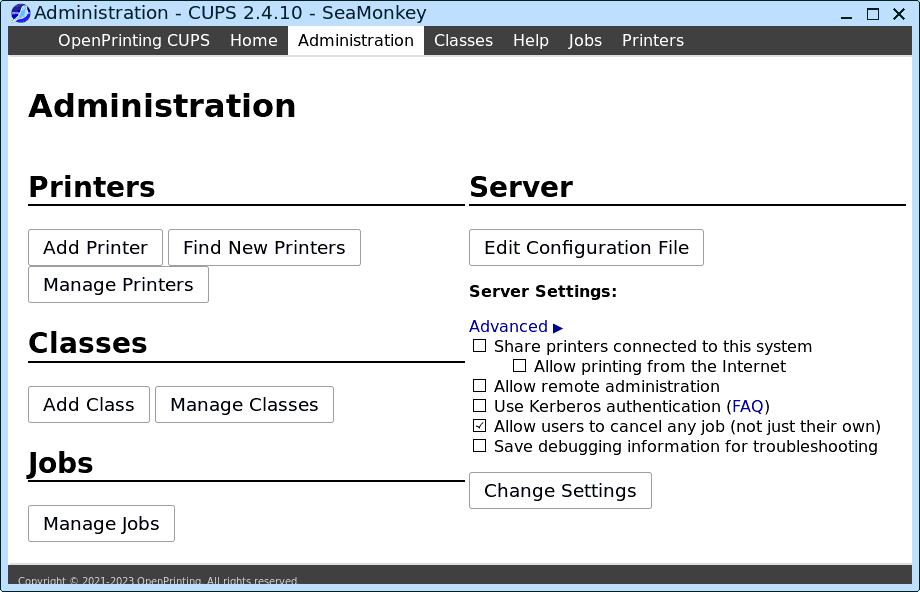
...what we have done in the past, is click on "Add Printer", so doing that:
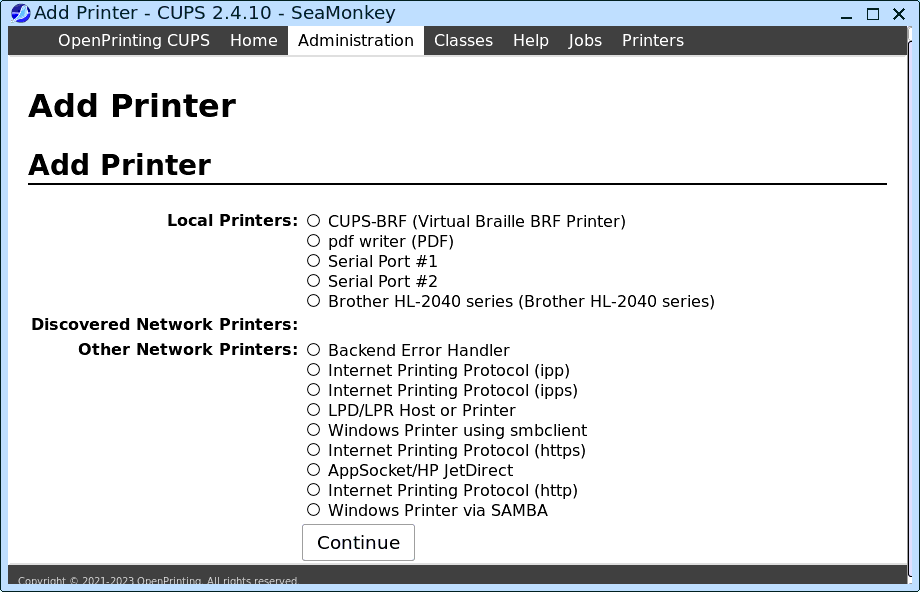
...my printer is listed, "Brother HL-2040", so I clicked that radiobutton, then "Continue" button:
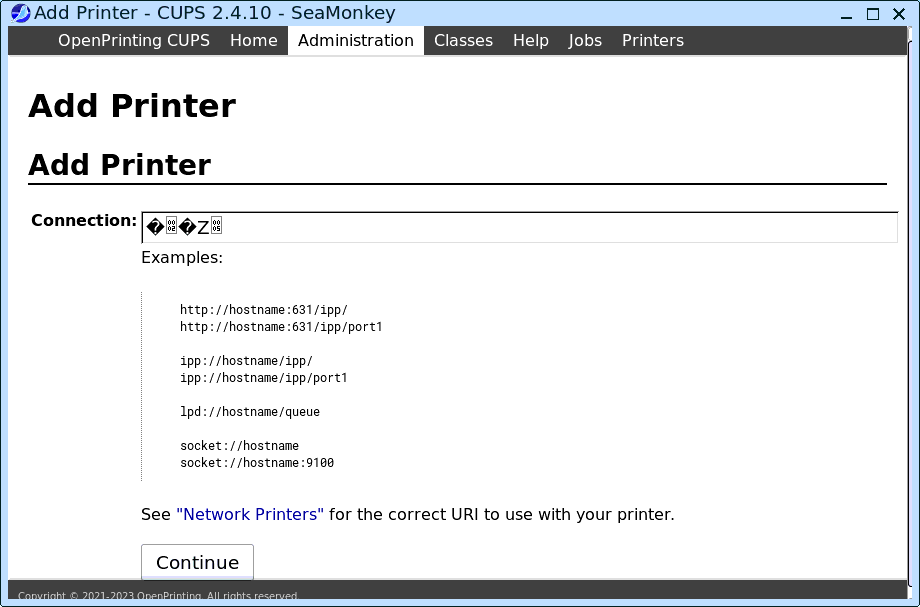
...oh dear, garbage in the "Connection" box. It used to be that the appropriate URI appeared in that box. And, as forum-member rcrsn51 reported, it is fixed in a later version of CUPs. However, we need a fix for right now. It is possible to find out the URI and type it in; however, there is a workaround.
Go back to the main window, at top of this blog post, and click on the "Find New Printers" button. Then you will get this:
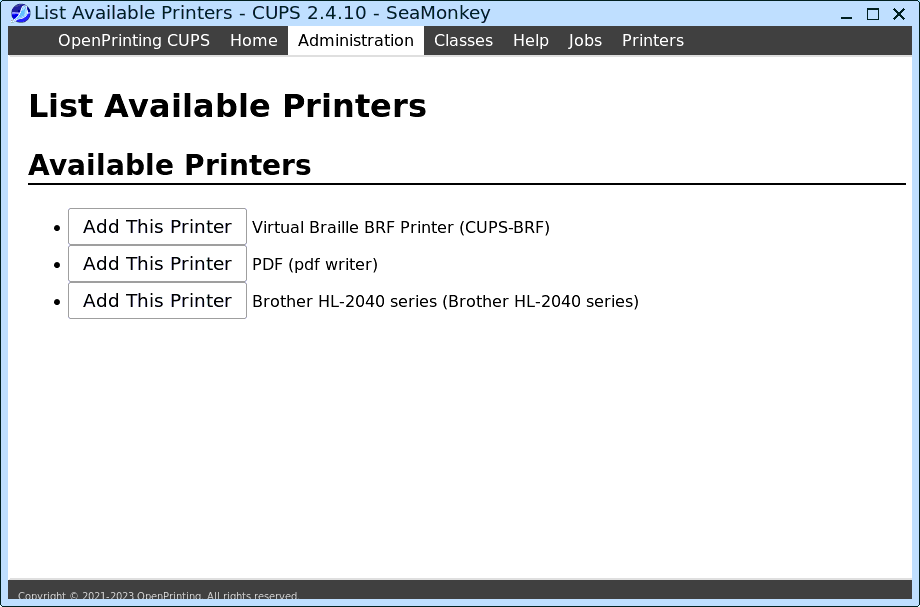
...my printer is found, so I clicked on "Add This Printer" button:
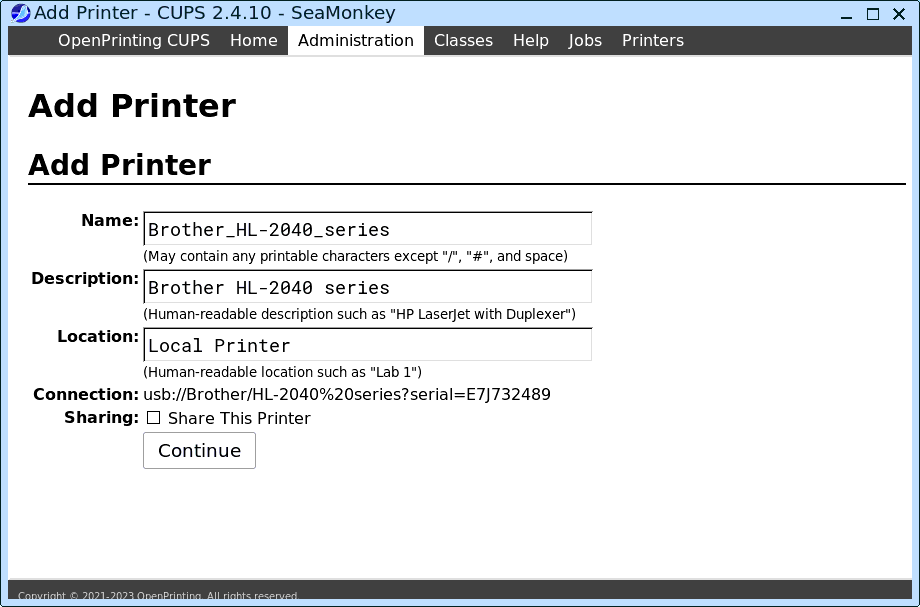
...good, so I clicked on "Continue" button:
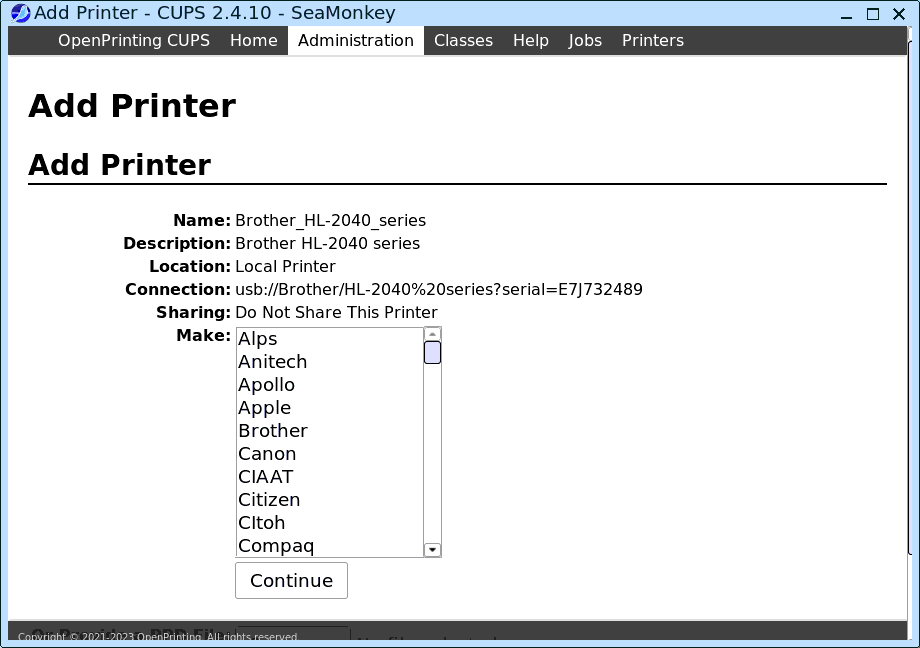
...it has found the URI! That is the "Connection:" entry. OK, so I chose "Brother" make, then:
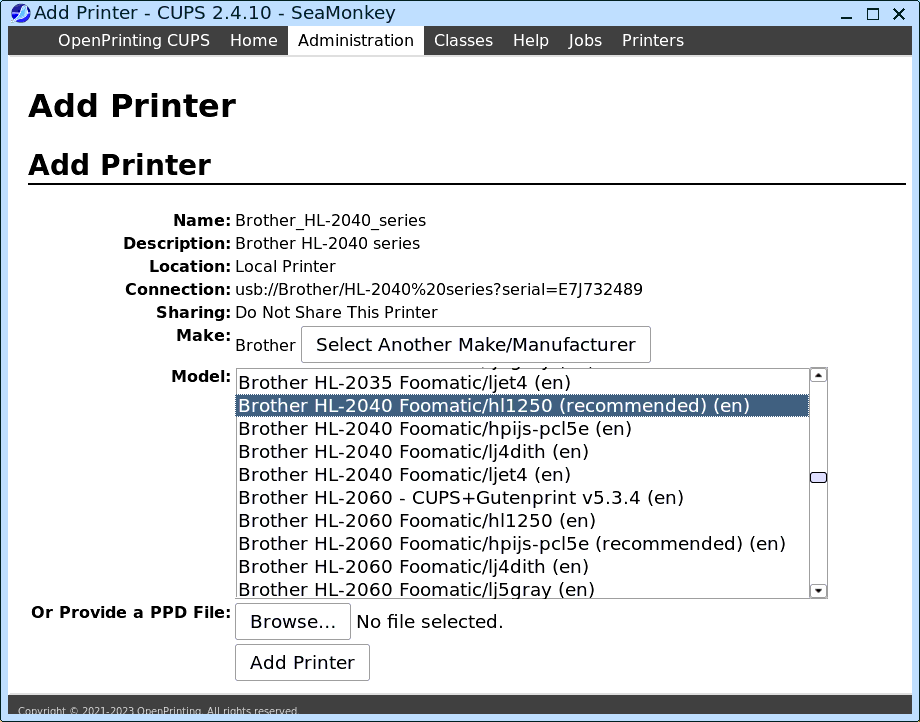
...then "Add Printer", then printed a test page. Yes,
works!
Tags: easy